

Wordpress Development


- Description
- Curriculum
- Reviews
WordPress Development Course
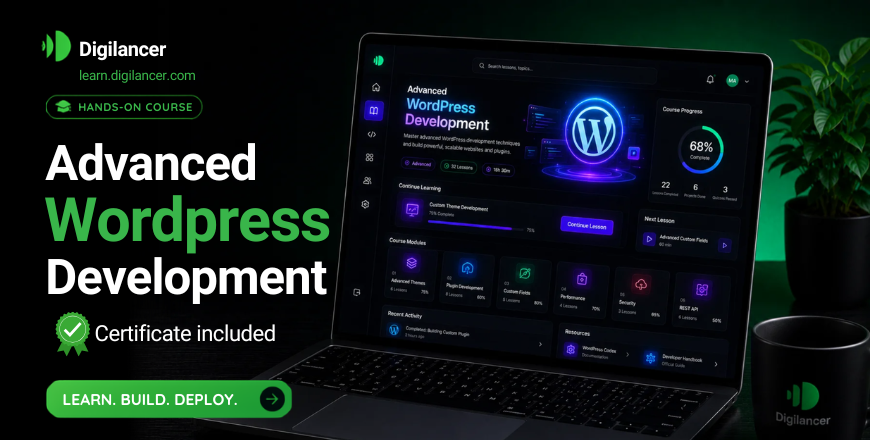
This course provides a complete understanding of WordPress development, focusing on practical skills required to build, customize, and manage professional websites. Designed for beginners and intermediate learners, it combines hands-on projects with real-world applications to prepare learners for freelancing and job opportunities.
What You Will Learn:
WordPress Setup & Basics – Learn installation, dashboard navigation, and essential settings to get started with WordPress.
Theme Installation & Customization – Understand how to install, modify, and customize themes to create visually appealing websites.
Plugins & Website Features – Learn to use plugins for adding functionality like forms, SEO, speed optimization, and security.
Website Design & Page Builders – Build responsive websites using modern page builders and design tools.
E-commerce & Business Websites – Create online stores and business websites using WordPress tools and integrations.
SEO & Performance Optimization – Optimize websites for search engines and improve loading speed and performance.
Live Projects & Practical Work – Work on real-world projects to gain hands-on experience and portfolio-ready skills.
Who Should Take This Course?
Aspiring web developers and freelancers
Students looking to build digital skills
Entrepreneurs wanting their own websites
Individuals interested in online earning opportunities
Course Outcome:
By the end of this course, you will be able to design, develop, and manage professional WordPress websites and start working on freelance projects or job opportunities with confidence.
-
1
 Wordpress Premium Course Introduction
WordPress is the world's most popular content management system (CMS), powering over 40% of all websites. It allows users to create, manage, and customize websites without needing advanced coding skills. Whether you're building a blog, business site, or eCommerce store, WordPress offers flexibility, themes, and plugins to bring your vision to life. In this course, you'll learn the basics of WordPress, including installation, dashboard navigation, theme customization, and content creation.
-
2
2. Free vs Premium Hosting
-
3
3. Setup Free Online Hosting & Domain
-
4
4. Premium Hostings Installation
-
5
5. Wordpress Dashboard or Admin Area overview