

Adobe Premiere Pro CC


- Description
- Curriculum
- Reviews
Adobe Premiere Pro CC Course
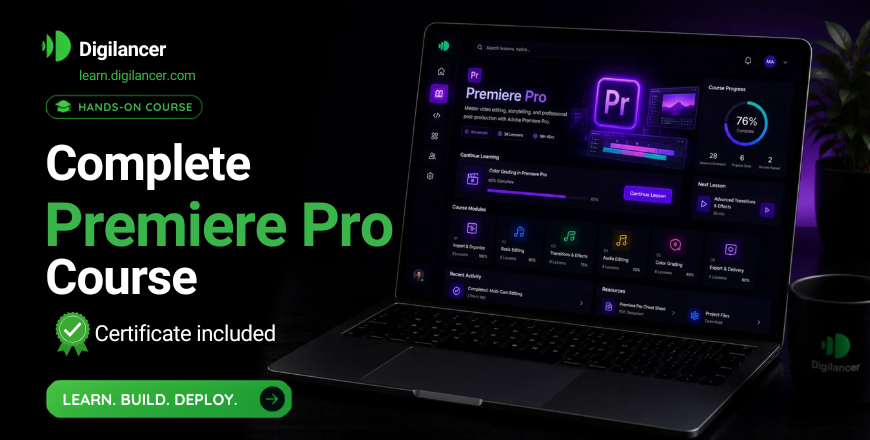
This course provides a complete understanding of video editing using Adobe Premiere Pro, one of the industry’s leading tools for creating professional-quality videos. Designed for beginners and aspiring creators, this course covers everything from basic editing to advanced production techniques.
What You Will Learn:
Introduction to Premiere Pro – Learn the interface, tools, and workflow to start editing confidently.
Video Editing Fundamentals – Master cutting, trimming, arranging clips, and working on the timeline.
Transitions & Visual Effects – Add smooth transitions, effects, titles, and animations to enhance your videos.
Audio Editing & Enhancement – Improve sound quality, sync audio, and apply sound effects professionally.
Color Correction & Grading – Learn how to adjust colors and create cinematic visuals using professional techniques.
Advanced Editing Techniques – Work with keyframes, green screen, motion graphics, and multi-layer editing.
Exporting & Publishing – Export videos in the best formats for YouTube, social media, and professional use.
Who Should Take This Course?
Aspiring video editors and content creators
YouTubers, vloggers, and social media influencers
Freelancers looking for video editing skills
Individuals interested in digital media production
Course Outcome:
By the end of this course, you will be able to edit, enhance, and produce high-quality videos using Adobe Premiere Pro CC and start working on freelance or professional projects confidently.
-
2
 2.1 Setting Your Project and Import Video Clips
 -
3
2.2 Editing
-
4
2.3 Multiple Video Placement
-
5
2.4 Color Adjustment
-
6
2.5 Color Vibrance and Saturation
-
7
2.6 Color Temperature and Tint
-
8
2.7 Transitions
-
9
2.8 Noise Reduction
-
10
2.9 Audio Levelling
-
11
2.10 Add Text
-
12
2.11 Unlink And Nest
-
13
2.12 Speed Of Video
-
14
2.13 Export